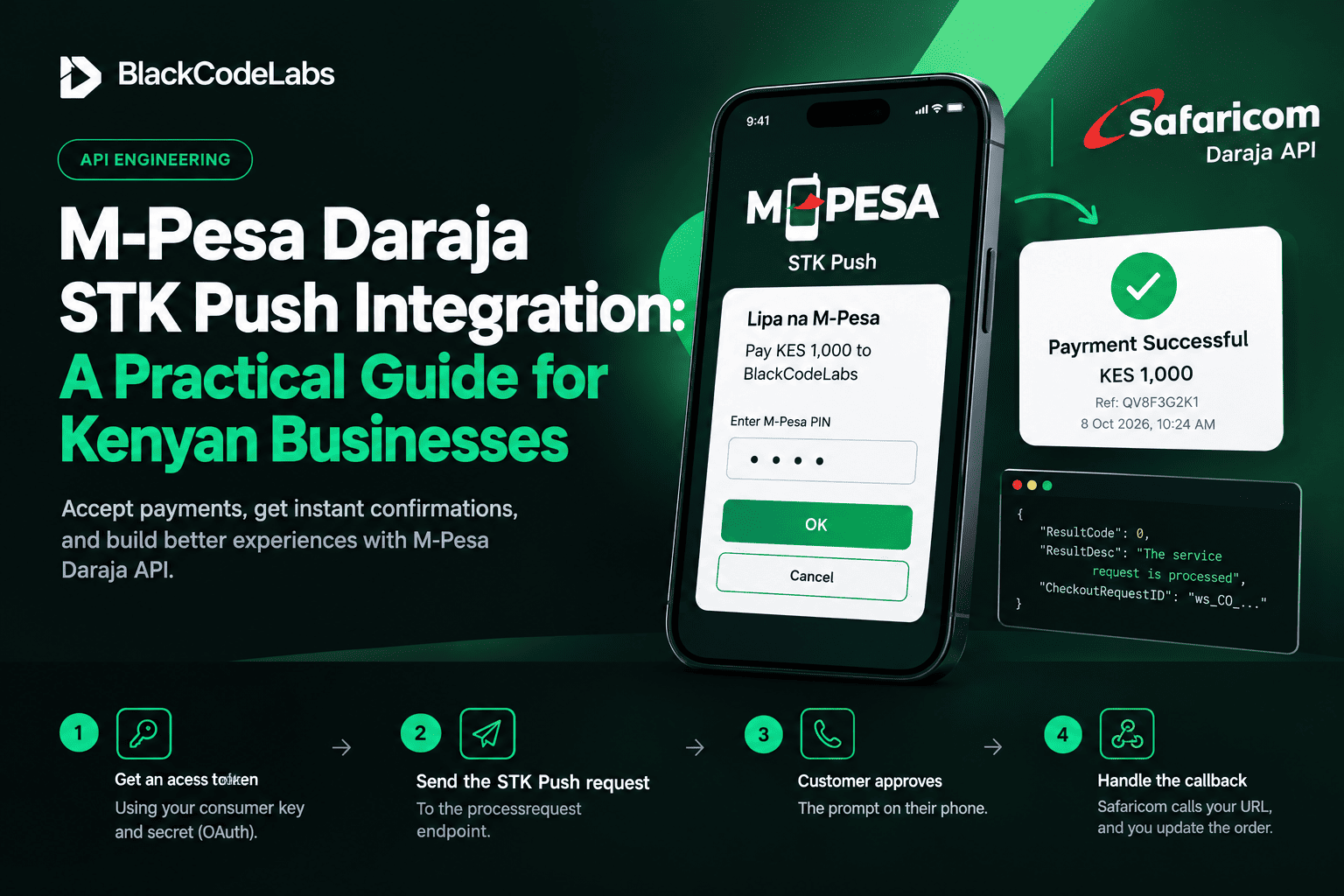
M-Pesa Daraja STK Push Integration: A Practical Guide for Kenyan Businesses
Accepting M-Pesa inside your own website or app is one of the highest-value integrations you can build in Kenya. Customers get a prompt on their phone, enter their PIN, and your system confirms the payment automatically. Here is how it works with Safaricom's Daraja API.
What you need before you start
- A Safaricom Daraja developer account and an app (sandbox first).
- A Paybill or Till number for production, plus your Lipa na M-Pesa passkey.
- A public HTTPS callback URL that Safaricom can reach.
The flow in four steps
- Get an access token using your consumer key and secret via the OAuth endpoint (client credentials).
- Send the STK Push request to the processrequest endpoint.
- Customer approves the prompt on their phone.
- Safaricom calls your callback URL with the result, and you update the order.
The request
The password is the Base64 of ShortCode + Passkey + Timestamp, and the timestamp is formatted YYYYMMDDHHMMSS.
POST /mpesa/stkpush/v1/processrequest
{
  "BusinessShortCode": "174379",
  "Password": "<base64(shortcode+passkey+timestamp)>",
  "Timestamp": "20260101120000",
  "TransactionType": "CustomerPayBillOnline",
  "Amount": 1,
  "PartyA": "2547XXXXXXXX",
  "PartyB": "174379",
  "PhoneNumber": "2547XXXXXXXX",
  "CallBackURL": "https://yourdomain.com/mpesa/callback/",
  "AccountReference": "ORDER-1001",
  "TransactionDesc": "Payment"
}
Use CustomerBuyGoodsOnline for a Till number. Phone numbers must be in the 2547XXXXXXXX format, not 07XX.
Handling the callback
The callback contains a ResultCode. A value of 0 means success and includes the M-Pesa receipt number. Anything else is a failure or cancellation. Store the CheckoutRequestID when you send the request so you can match the callback to the right order.
Mistakes that cost money
- Trusting the browser. Only mark an order paid from the verified server callback, never from a page redirect.
- No idempotency. Callbacks can arrive more than once. Make updates safe to repeat.
- Hardcoded secrets. Keep keys and passkeys in environment variables.
- No fallback. If the callback never arrives, query the transaction status so no paid order is left pending.
BlackCodeLabs builds M-Pesa Daraja integrations on Django for shops, ticketing and booking platforms. Get in touch if you want it done right the first time.


Comments (0)
Sign in or create an account to comment.